
Codex CLI 对比 Desktop:2026 工作流比较
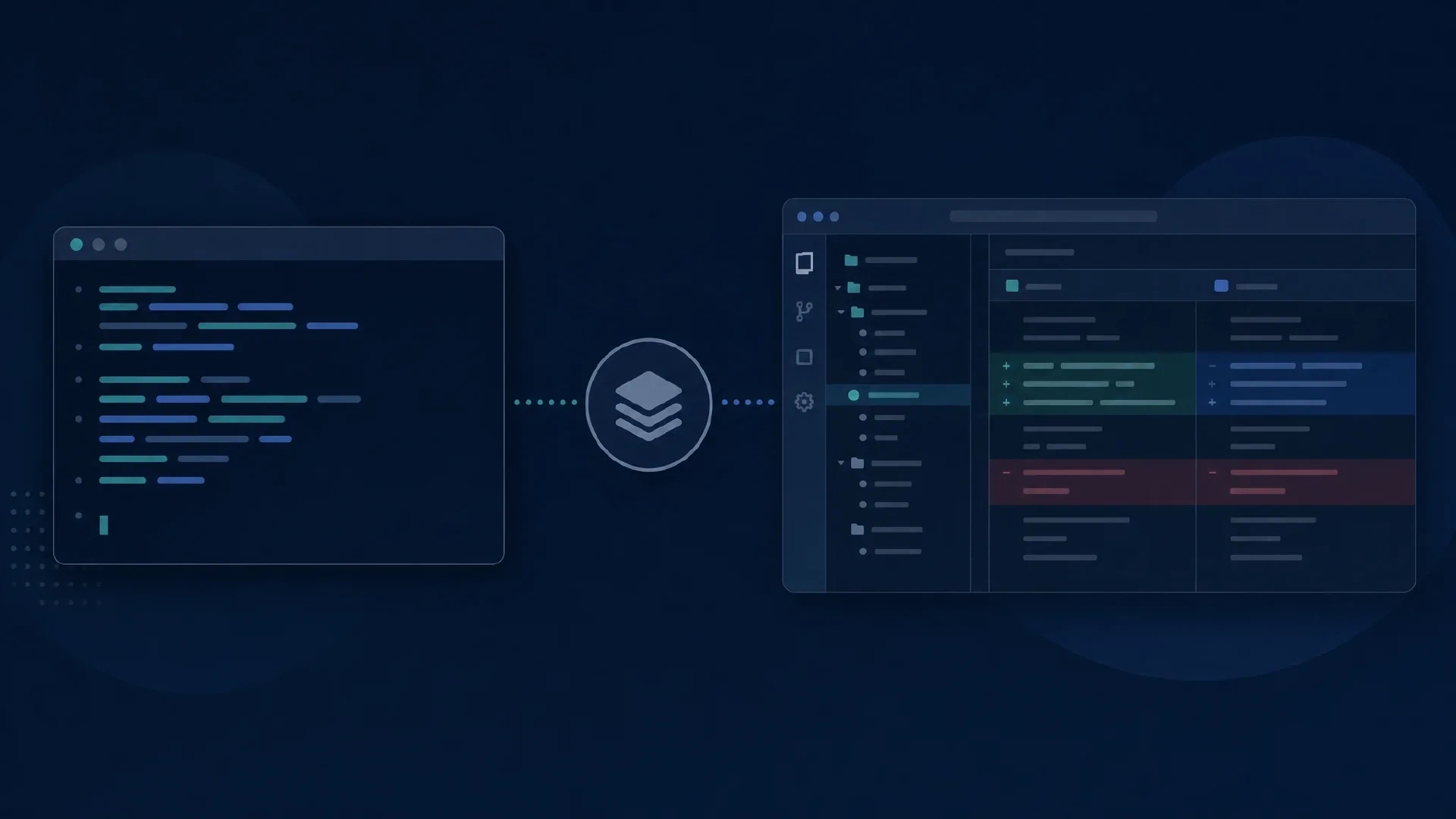
Table of Contents
Codex CLI 适合由 shell 驱动、使用明确命令和可脚本化运行的工作流。Codex desktop 适合围绕项目、会话、可视化输出和审查面板组织工作。根据监督方式选择界面,并保持 model、repository 和 execution policy 一致。 名称说明: OpenAI 以前的 Codex 文档现在重定向到 ChatGPT desktop 应用文档 。没有 repository access 的普通 chat 不等于 coding agent。
重点
- 使用 CLI 组合 shell 命令并运行可重复的程序任务。
- 使用 desktop 管理项目、进行可视化审查并管理计划任务。
- 明确执行位置,尤其是使用 remote connection 时。
- 界面不保证更好的代码,也不会创建独立的 inference allowance。 范围和日期: 官方文档于 2026 年 10 月 10 日检查。建议针对 workflow,不是测得的 model performance。准备 repository、可运行的 tests 和 account access,并安排一小时试用。
比较工作流
| 需求 | Codex CLI | Codex desktop |
|---|---|---|
| 开始 repository 工作 | 从 shell directory 启动 | 选择 project 和 execution environment |
| 重复 scripted task | codex exec | 准备 prompt 并查看 output |
| 检查多个 task | Terminal/session workflow | Project 和 chat organization |
| 审查更改 | Terminal commands 和 review controls | Diff 和 review panels |
| 管理计划 | 围绕脚本的外部 job runner | Scheduled-task management interface |
| 隔离更改 | Separate checkout/worktree | Integrated worktree workflow |
| 共享的 agent foundation 很重要。 OpenAI 在 Codex as a platform 中说明 CLI、app 和 IDE extension 是 agent runtime 的界面。runtime 管理 state、tools 和 policy。 |
CLI 的适用位置
codex
从目标 repository 启动。 CLI guide 说明 inspection、editing、commands 和 review。
codex exec "Identify the documented test command. Do not modify files."
使用 codex exec 执行有边界的 scripted task。
Non-interactive reference
解释 progress 和 final output。要求不编辑是 instruction,不是 enforced filesystem boundary。生产脚本还需定义 credentials、timeout、permissions、output storage 和 failure handling。
Desktop 的适用位置
Desktop 在一个 workspace 中组织相关工作。 当前文档涵盖 project switching、file inspection、connected tools 和 long-running tasks。Review 是具体差异。 使用 code-review documentation 检查描述、文件、评论和 checks,并为 diff 之外的行为提供独立证据。
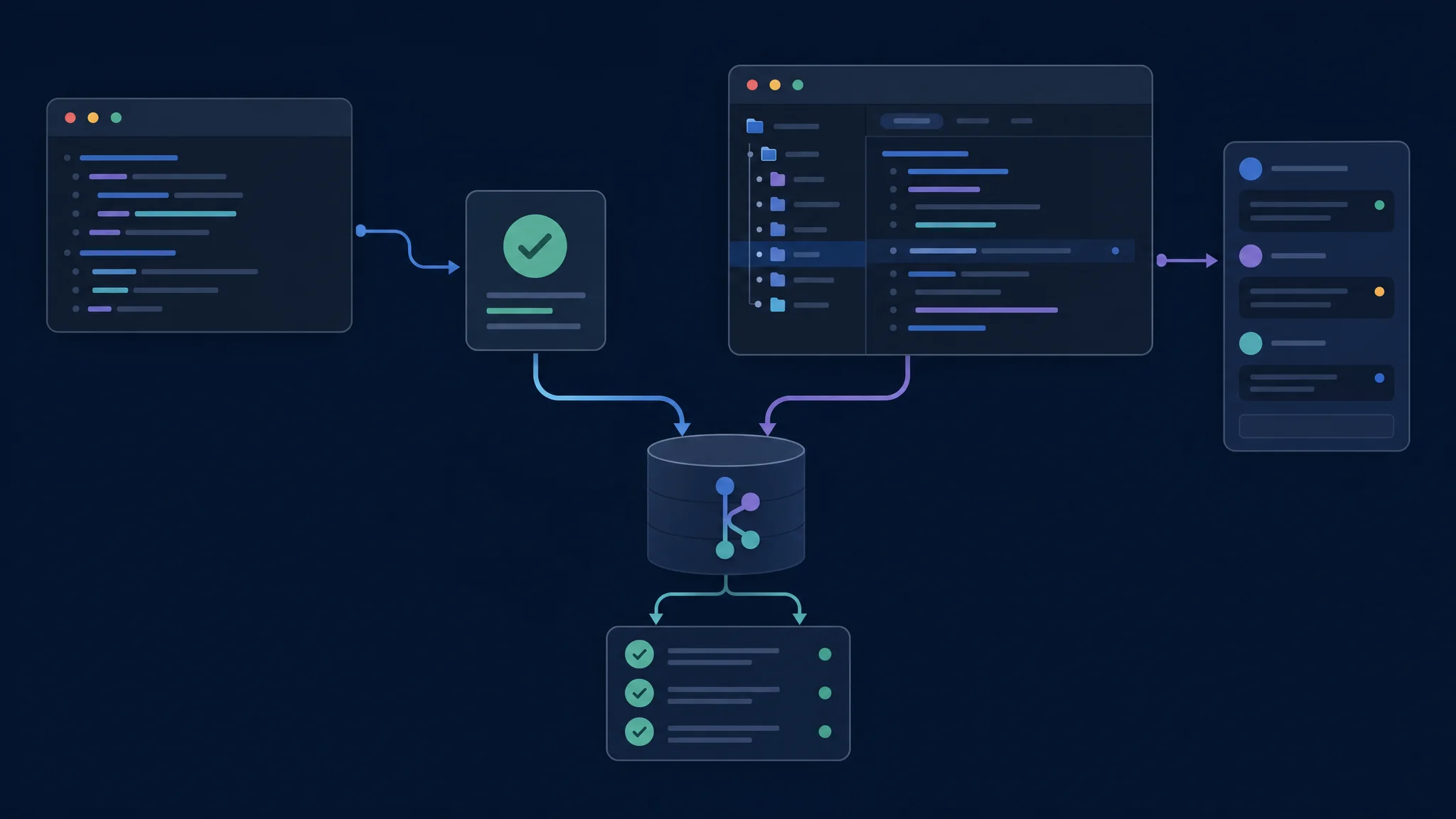
比较界面时保持 repository 和 acceptance criteria 不变
Worktree 和执行位置
Worktree 是 Git repository 的另一个 checkout。 Worktree guide 介绍 isolated parallel chats 和 managed worktree。Isolation 不会 merge。 检查 diff、checks、dependencies、ignored files 和 external services。
| 任务前 | 确认 |
|---|---|
| Repository | 正确 project 和 base revision |
| Checkout | Existing directory 或 isolated worktree |
| Execution host | 包含 files 和 tools 的 computer |
| Environment | Runtime、dependencies 和 test services |
| Permissions | 允许的 file writes 和 network access |
| 比较时使用相同 environment,并记录差异。 |
计划与权限
Desktop 提供 schedule management。
Scheduled-task guide
区分 management interface 和 CLI。围绕 codex exec 的 shell scheduler 是另一种安排。查看
permissions reference
,并在每个界面确认 sign-in、model、usage 和 billing。
一小时试验
- 准备有边界的 change,带有 independent acceptance test 和 clean baseline。
- 在两个 interface 中运行,使用匹配的 model 和 policy。
- 检查第一个 patch 后请求一次 correction。
- 审查 final diff 并运行相同的 verification commands。
- 记录 context、output 和 approval 的 effort。 如果 shell 更便于重复和检查,选择 CLI。如果项目组织和视觉审查减少监督,选择 desktop。保存 revision、model、host、permissions、commands 和 verification。
故障排查与下一步
缺少 file 时先检查 environment。 验证 project、checkout、host、runtime 和 dependencies。使用 CLI master comparison 和 GUI master comparison 分别比较供应商。
Related Posts